NetCut keeps your WiFi circle in check
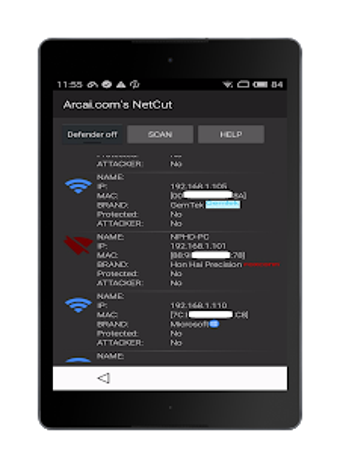
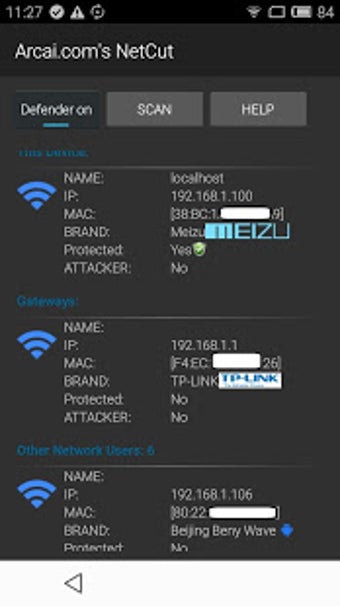
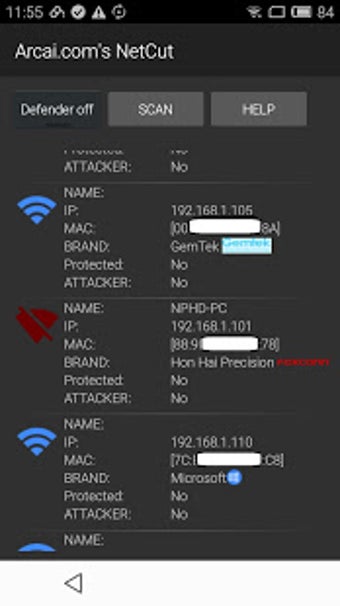
NetCut, developed by arcai.com, is a network management tool for users who want closer control over devices connected to a private WiFi network. It scans the local network, lists connected devices, and shows details such as IP addresses, MAC addresses, and device names. It also lets experienced users limit or disconnect selected devices, making it useful for spotting unknown connections or managing bandwidth hogs.
Top Recommended Alternative

Who’s on your WiFi guest list?
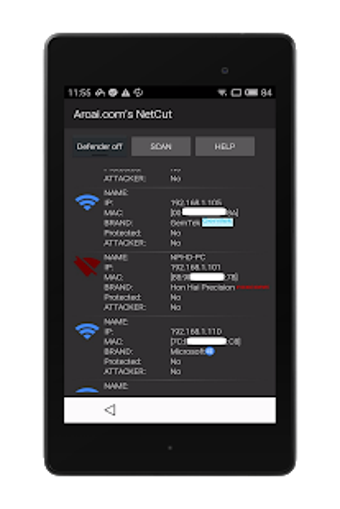
NetCut performs real-time network scans to show connected phones, PCs, and smart devices in one place. This device list helps users identify unfamiliar equipment without opening a router dashboard. Device renaming and tracking also make repeat monitoring easier, especially when several gadgets share the same network and generic device names turn the list into a tiny detective case.
Root access is the front-door key
NetCut needs root access for its main Android functions, including device disconnection and NetCut Defender protection. That makes it better suited to users who already understand rooting, permissions, and manual app installation. The setup process is not ideal for casual users, and the required access brings real responsibility, especially when the tool can affect other devices on the same local network.
Cutting, slowing, and defending with care
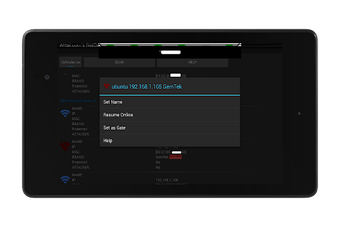
NetCut can cut selected devices from the network, reduce their connection speed through its slow-motion control, and use scheduled access rules for more structured management. NetCut Defender adds protection against ARP spoofing attempts aimed at the host device. These features are powerful, but they belong on networks the user owns or manages, not shared, public, school, workplace, or neighbor networks.
Powerful hands need steady judgment
NetCut is a practical choice for network-aware users who need WiFi device control, local device visibility, and basic ARP protection. Its strengths are clear: fast device listing, one-tap access control, speed throttling, and Defender support. Its limits are just as clear: root access, manual setup, and a technical learning curve. For private network administration, it works best in careful hands.